
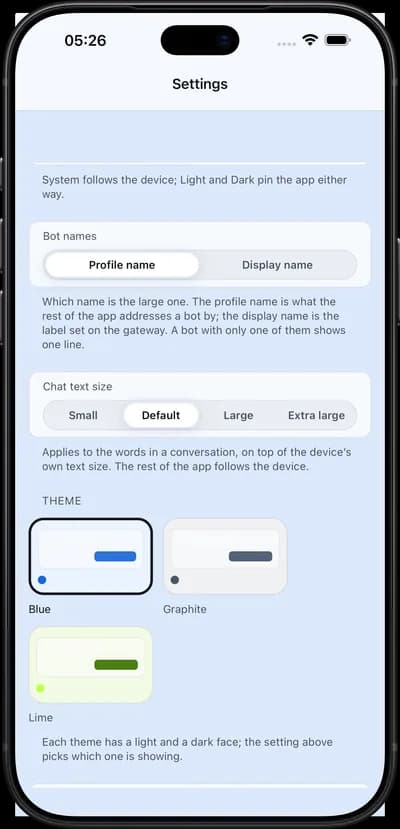
iPhone
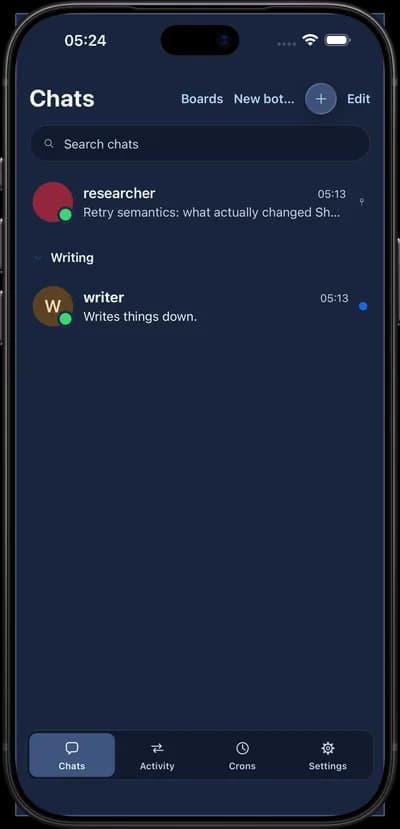
iOS 15.1 and up, the primary target.
Hermie talks to hermes serve — the same gateway your desktop dashboard uses. Approvals, tool calls, routines, sub-agents, files and slash commands all work, because nothing is stubbed out for a small screen.
One conversation, on whichever screen you happen to be near: the phone in your hand, the tablet on the table, and the browser tab beside your editor.
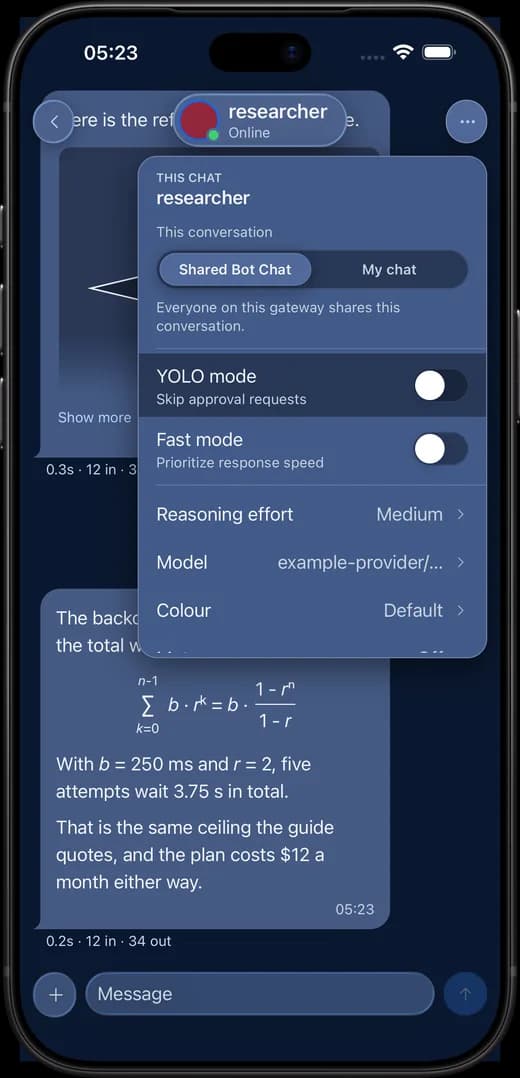
On a gateway that knows who you are, every bot carries one switch. The Shared Bot Chat is the conversation the desktop dashboard, the CLI and your colleagues are already in. My chat is a second conversation on the same bot, named after you, that only you open — and it starts from the shared one rather than from nothing.
The choice is remembered per account and follows you to your other devices, so a phone and a laptop signed in as you open the same conversation. On a gateway with no accounts the switch is not there at all.
Everything a chat can do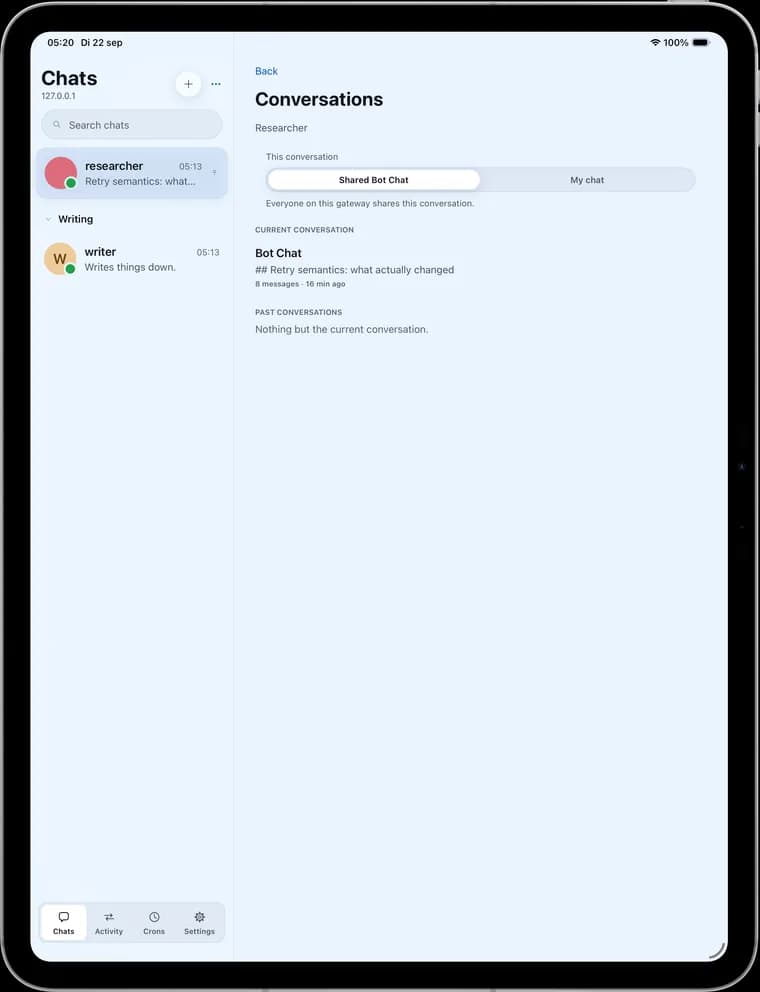
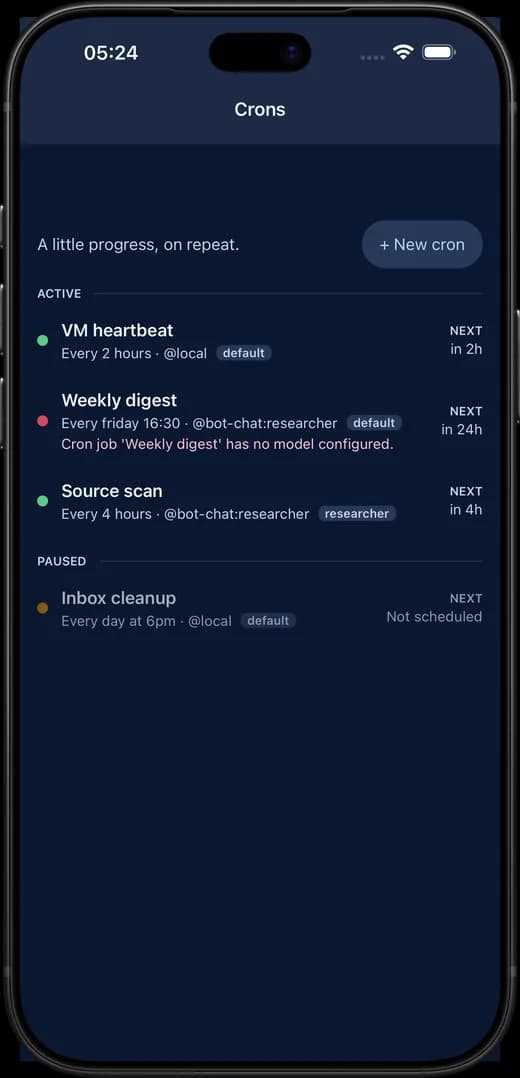
/new has put away.Active over paused, each row with its schedule, its delivery target, its profile and its next run. Pause one, run it now, or read the transcript a run delivered. A job that failed says so on the row rather than in a log you have to go and find.
They are the gateway’s own scheduled jobs — the same ones the desktop dashboard lists.
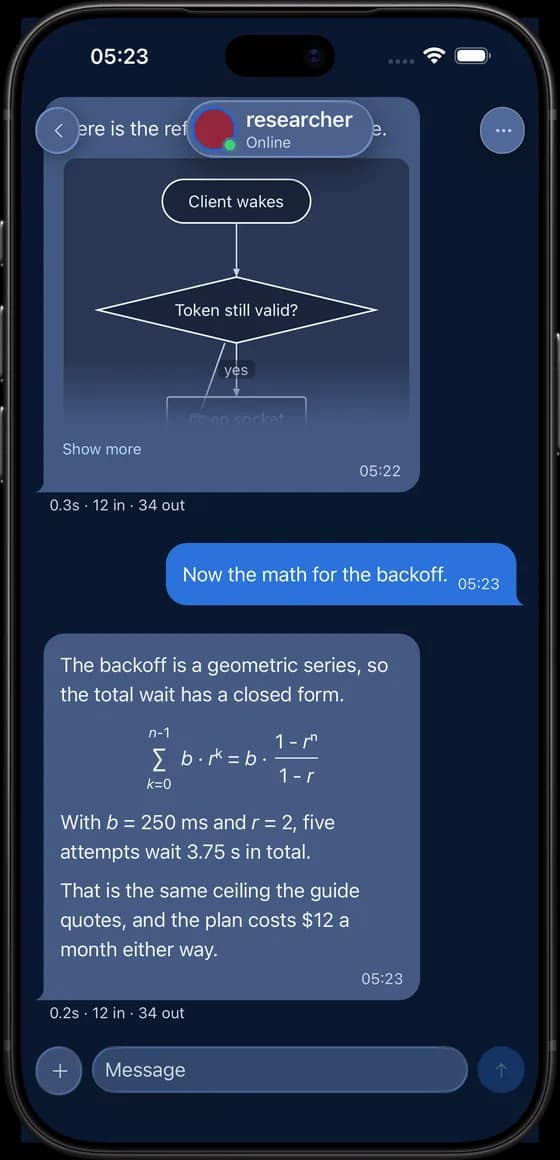
Hold the microphone in the composer to dictate, and what you say streams into the field at the caret, as a draft you still edit and send yourself. Open voice mode from the chat’s options and the whole conversation runs hands-free: listen, send, read the reply aloud, listen again — showing you what it heard for a second before it sends.
The voice and the recognizer are the device’s own, so nothing is sent anywhere to be synthesised. On iOS and Android a device with no offline model is refused rather than quietly falling back to the network; a browser cannot make that promise, and the app says so where it matters.
The optional gateway plugin sends push to your devices: seven kinds of news, switchable globally and per chat, muted where you muted, and quiet on the device that is already reading.
An approval notification carries Allow and Deny. Tapping one does not approve anything by itself — the app opens, re-reads the gateway’s open requests, and answers only if that request is still open and still says what the notification said it did.
Read the plugin guide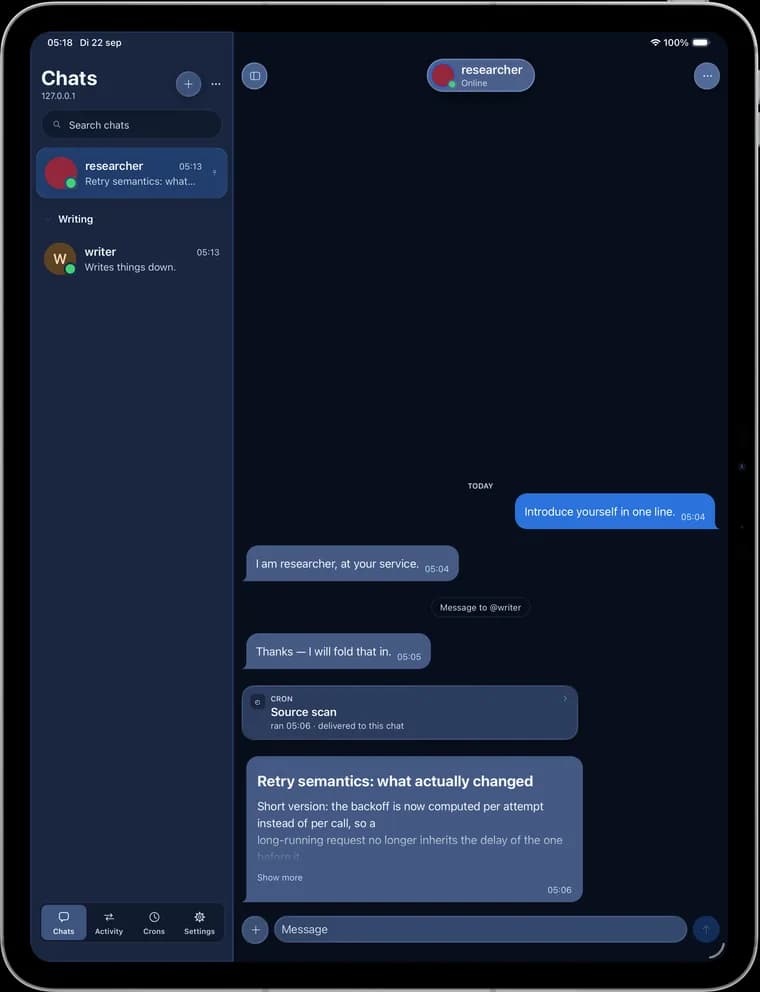
The desktop dashboard, the TUI and Hermie are three windows onto one gateway. These reach the phone too.
Allow or deny a command while it waits, with the exact command in front of you.
Every tool call and its result, folded until you want it.
Delegated work as it happens, with steer and stop.
Switch model, reasoning effort, fast mode and YOLO per chat; run skills with / just like the TUI.
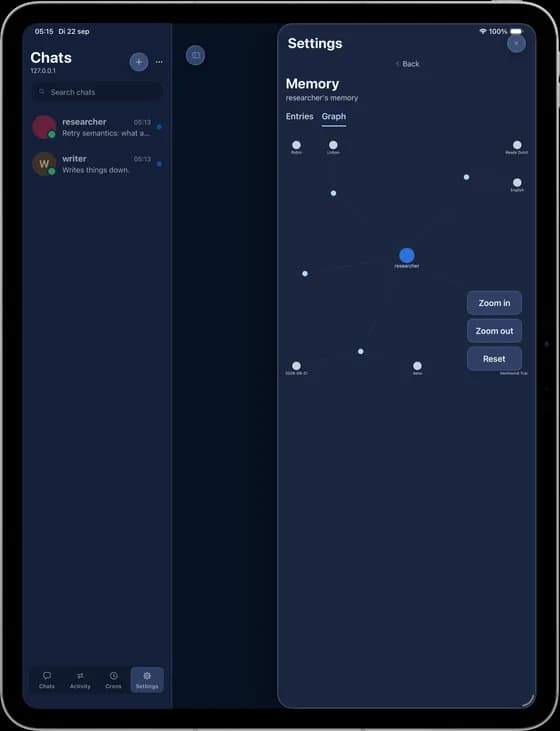
The memory graph a bot has built, and a Kanban board with room for its columns.
Send files and images to a bot, drop them onto the chat on Mac and web.
It is the gateway’s own session protocol — the one the desktop dashboard speaks — not a reduced mobile API.
hermes serveYour own gateway process — the one the desktop dashboard and the TUI talk to. Hermie speaks its session protocol directly, with nothing of ours in between.
One Expo codebase serves all of them, and each one signs in to your gateway on its own.
iOS 15.1 and up, the primary target.
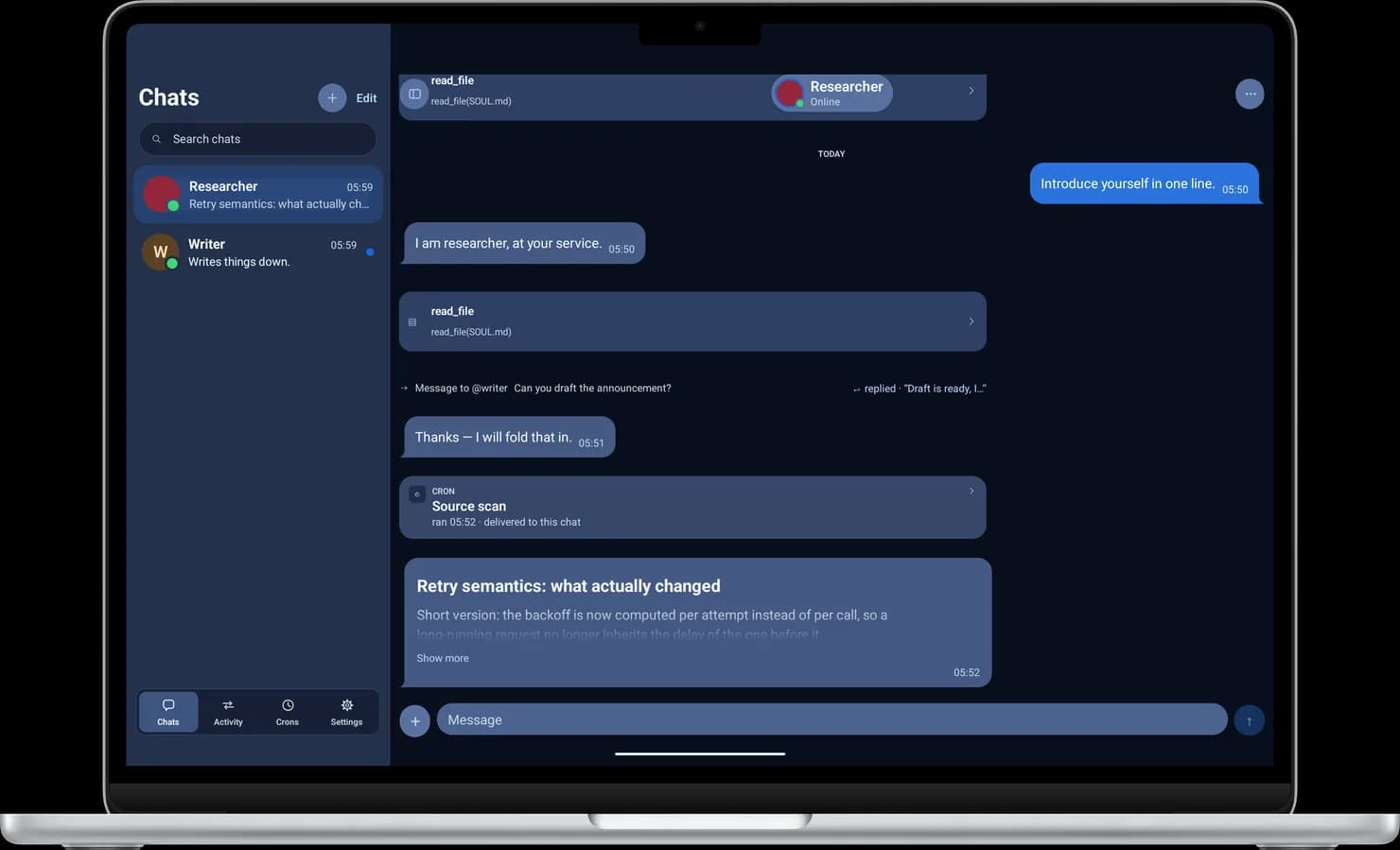
An adaptive sidebar: the list and the conversation side by side.
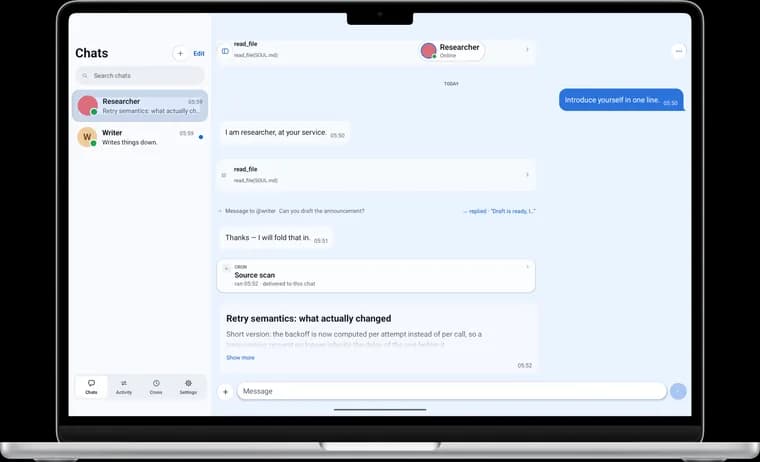
The iPad build, running on the desktop.
Android 7.0 and up. Built and exercised on an emulator; no physical device has run it yet.
macOS (Intel and Apple Silicon), Windows and Linux. A native app built on Hermie Web, with real text selection.
Nothing is in a store yet, and nothing has gone to TestFlight or Play testing. Build it from source — the instructions are on Get started.
Or install nothing at all: Hermie Web serves the same app from a Node process beside your gateway, in any browser.
Developed by FullStack Studio. Built for the Hermes community.
Explore the project